
Get the technology, tools, and services you need, whether you are a student, faculty, staff, or someone partnering with UT Martin. ITS supports UTM's vision for excellence in teaching, research, outreach, and lifelong learning.
Client Portal

Service Catalog

Knowledge Base
Instructional Technology Center
The Instructional Technology Center helps faculty choose and use digital tools that support student learning. Get training and support with Canvas, online assessments, accessibility tools, classroom technology, and interactive learning platforms.
Need training or assistance? Submit a ticket through the Client Portal, and an ITS team member will follow up to coordinate the support you need.
Top ITC Resources
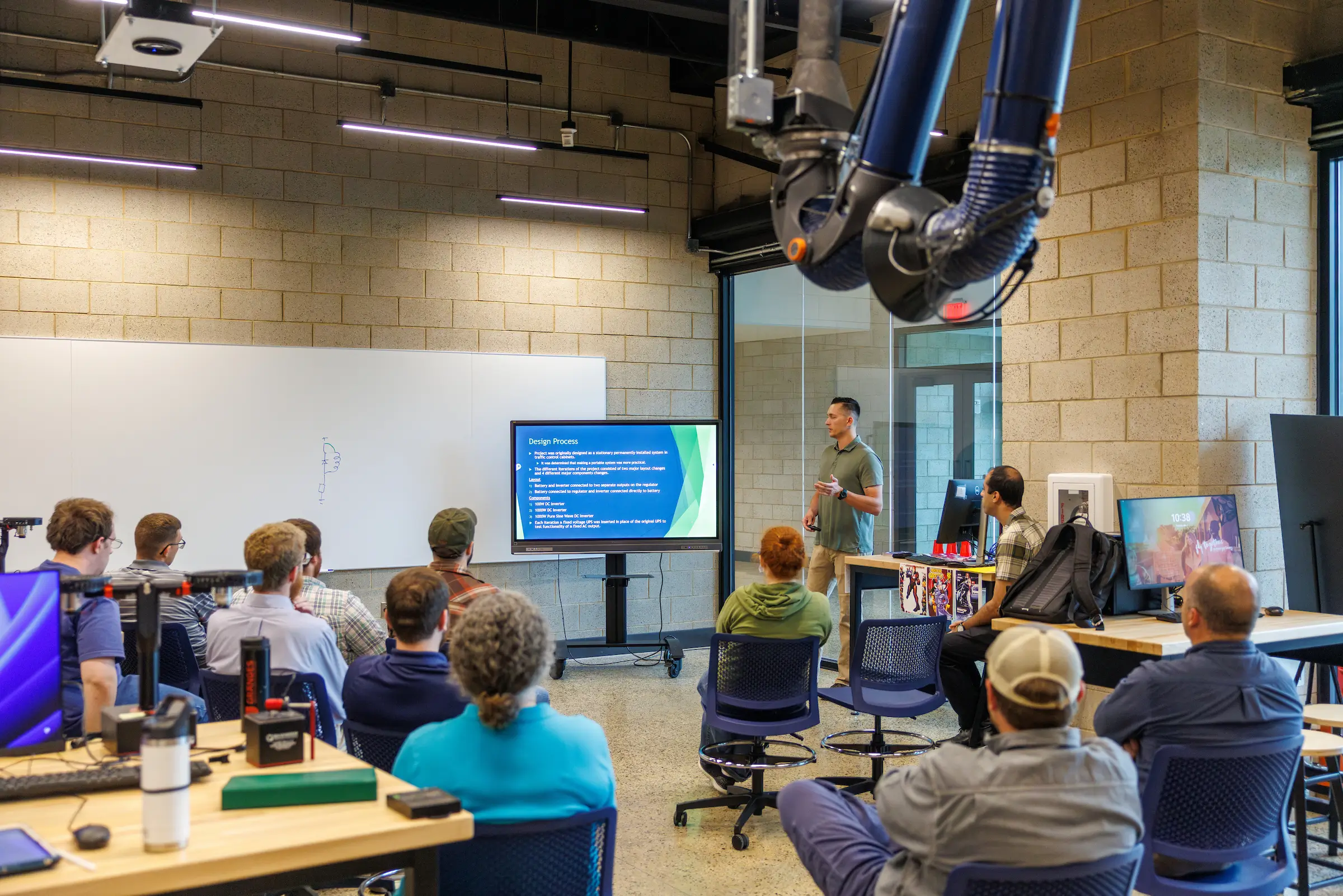
Instructional Technology Center Events
Explore upcoming ITC workshops and learning opportunities.
-
Drop-In Office Hours with ITC
Drop-in office hours for a quick tune-up. Bring a Canvas question, an accessibility fix, a Verity or SharePoint snag, or anything else slowing you down. No appointment needed.
View event and registration: Drop-In Office Hours with ITC -
Accessibility Tools (Panorama, DocHub, Email, Etc.) (For Faculty and Staff)
In this session, participants will learn how to use the accessibility checker embedded in Canvas as well as the external accessibility checker for Staff who do not teach in Canvas called DocHub. Participants will see all other accessibility tools including Outlook email and will share best practices of deploying these tools to check content for accessibility.
View event and registration: Accessibility Tools (Panorama, DocHub, Email, Etc.) (For Faculty and Staff) -
YuJa Verity (Proctoring Software)(For Faculty)
In this session, participants will learn how to use YuJa Verity (online test proctoring tool), look at the settings, gradebook/results, and will share best practices of deploying this tool during online assessments.
View event and registration: YuJa Verity (Proctoring Software)(For Faculty) -
Akindi Test Generator: An Efficient Way to Create Online Test Banks
Test Banks are an effective tool to ensure academic integrity in online test environments. Participants will learn how to create quizzes/exams in Word that can be uploaded to Akindi. Akindi then produces a QTI file that can be uploaded to Canvas.
View event and registration: Akindi Test Generator: An Efficient Way to Create Online Test Banks
Our Organization and Policies
Leadership and Organization
As the University's information technology organization, UT Martin ITS is committed to collaboration and leading the delivery of technology services and information resources in the dynamic UT Martin environment.
We provide an effective, comprehensive, and secure technology infrastructure to deliver the highest quality and sustainable information technology services in support of the University’s mission through responsive leadership, innovative exploration, sound guidance, and open collaboration.
IT Policies
Our policies ensure proper use of UT Martin's technological resources. They apply to all users of such resources, regardless of affiliation and regardless of whether the resources are accessed on or off campus.